SnapLink configuration
SnapLink is a Connhex Edge feature that allows you to quickly connect edges to your Connhex instance.
SnapLink is only available starting from connhex-edge-agent_2.0.0.
How it works
You can use SnapLink after the installation process for Connhex Edge has successfully completed.
Since Connhex Enterprise runs on a dedicated domain, the agent first needs to know which instance to contact. Set CONNHEX_AGENT_INIT_HOST to your instance domain in the agent configuration, at /opt/connhex/configs/agent.env, then restart the agent:
sudo systemctl restart connhex-edge-agent
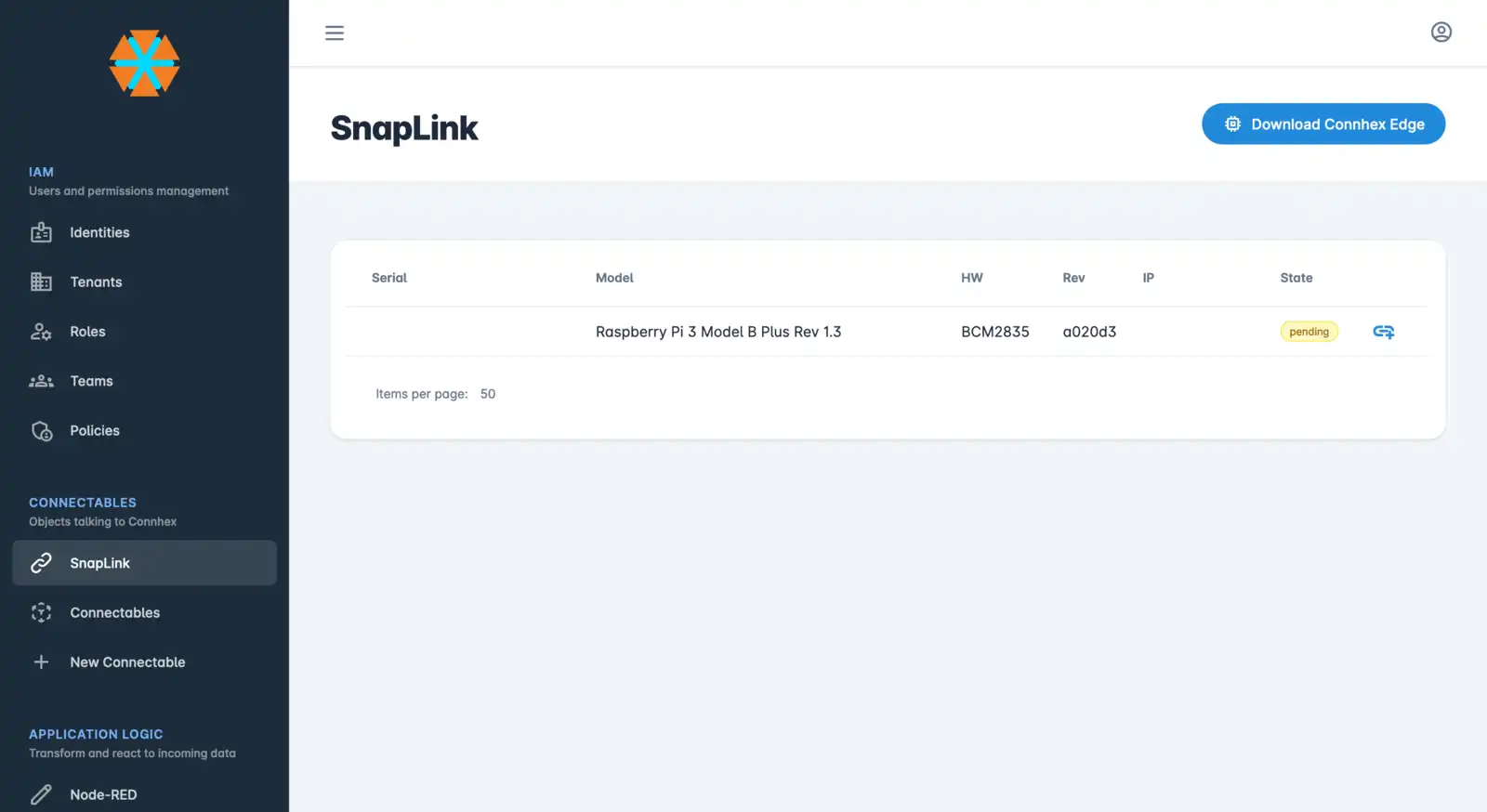
With no credentials configured, the agent announces itself to your instance and the device will be in a discovery state.
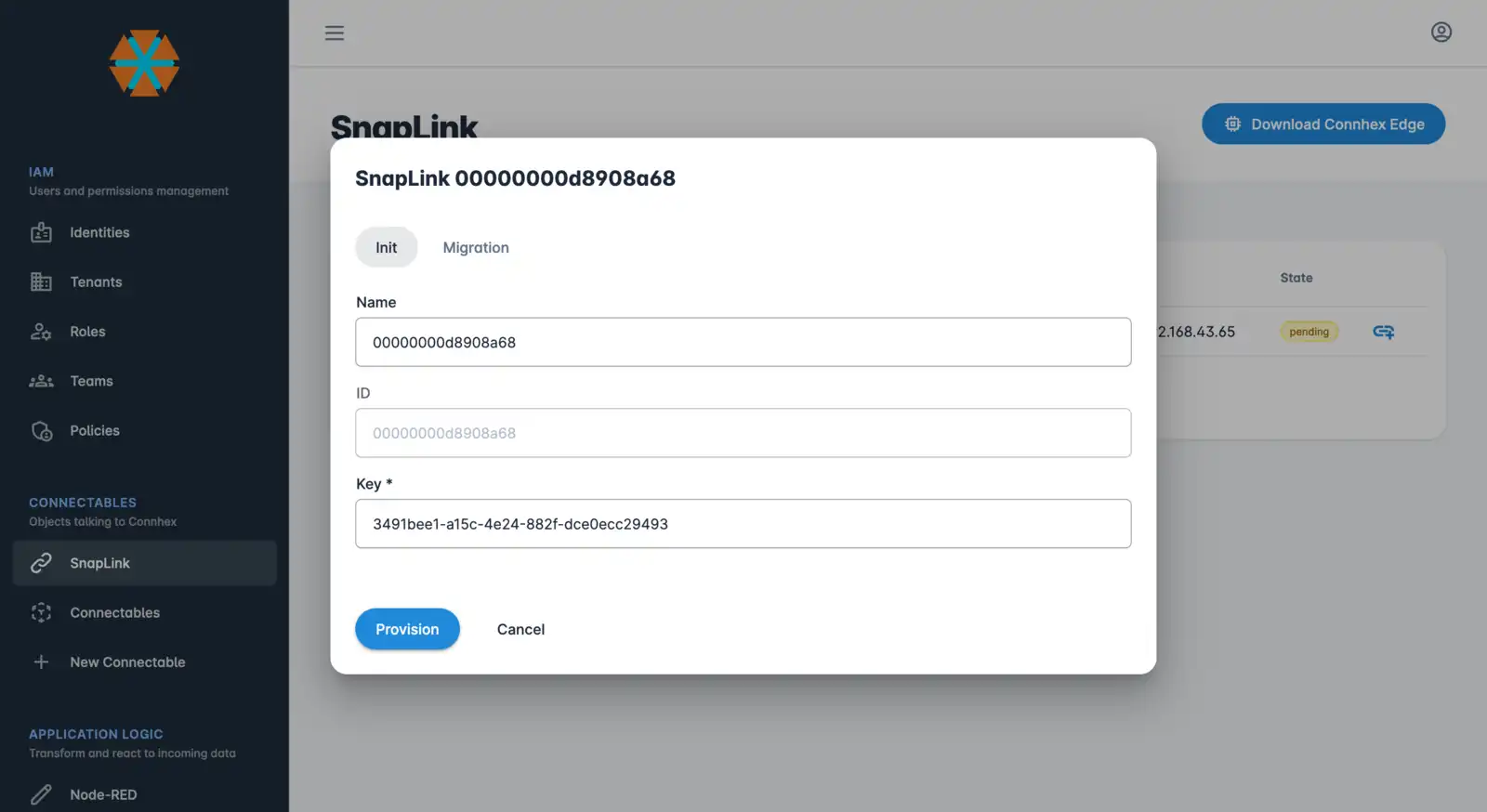
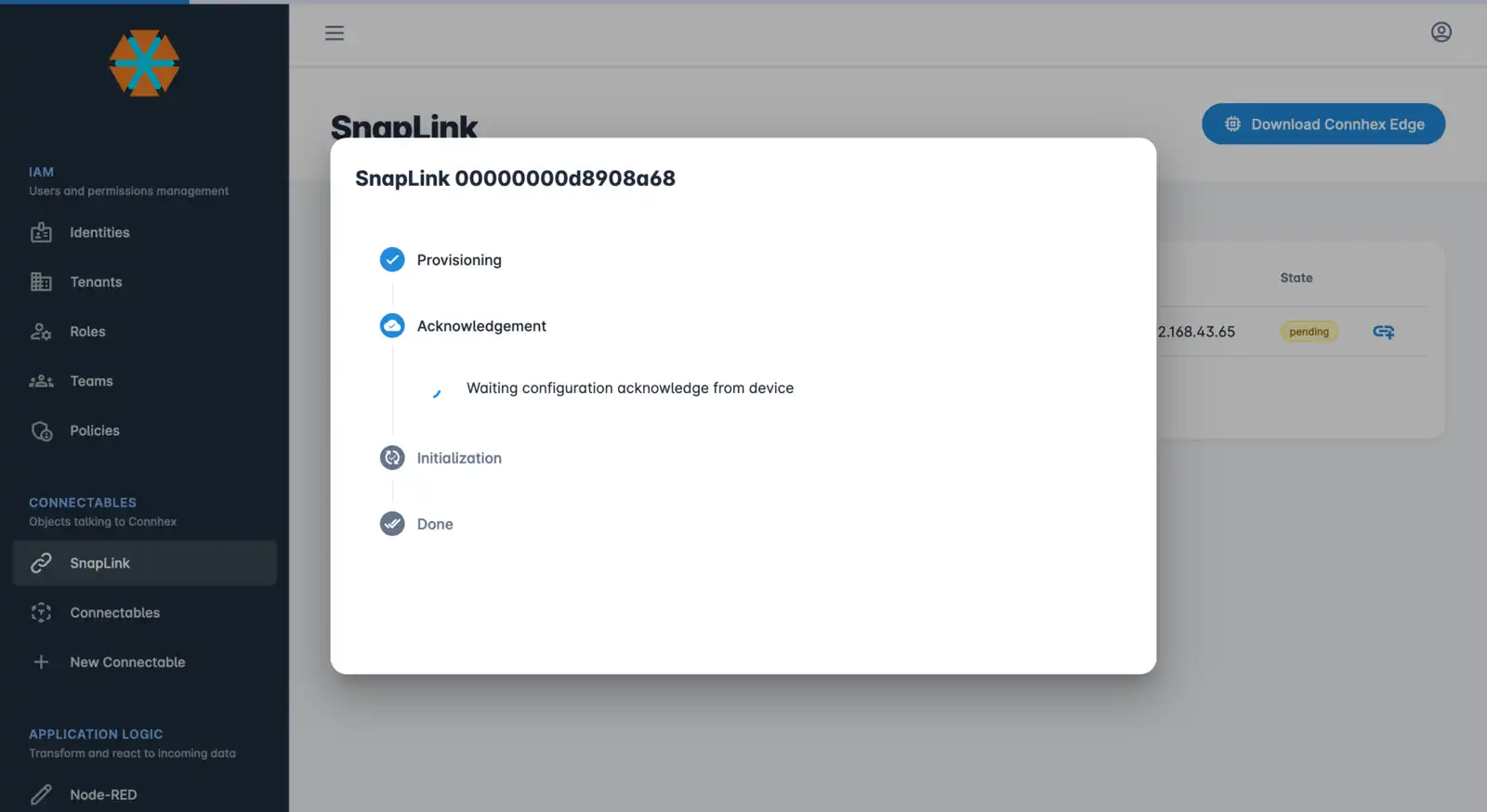
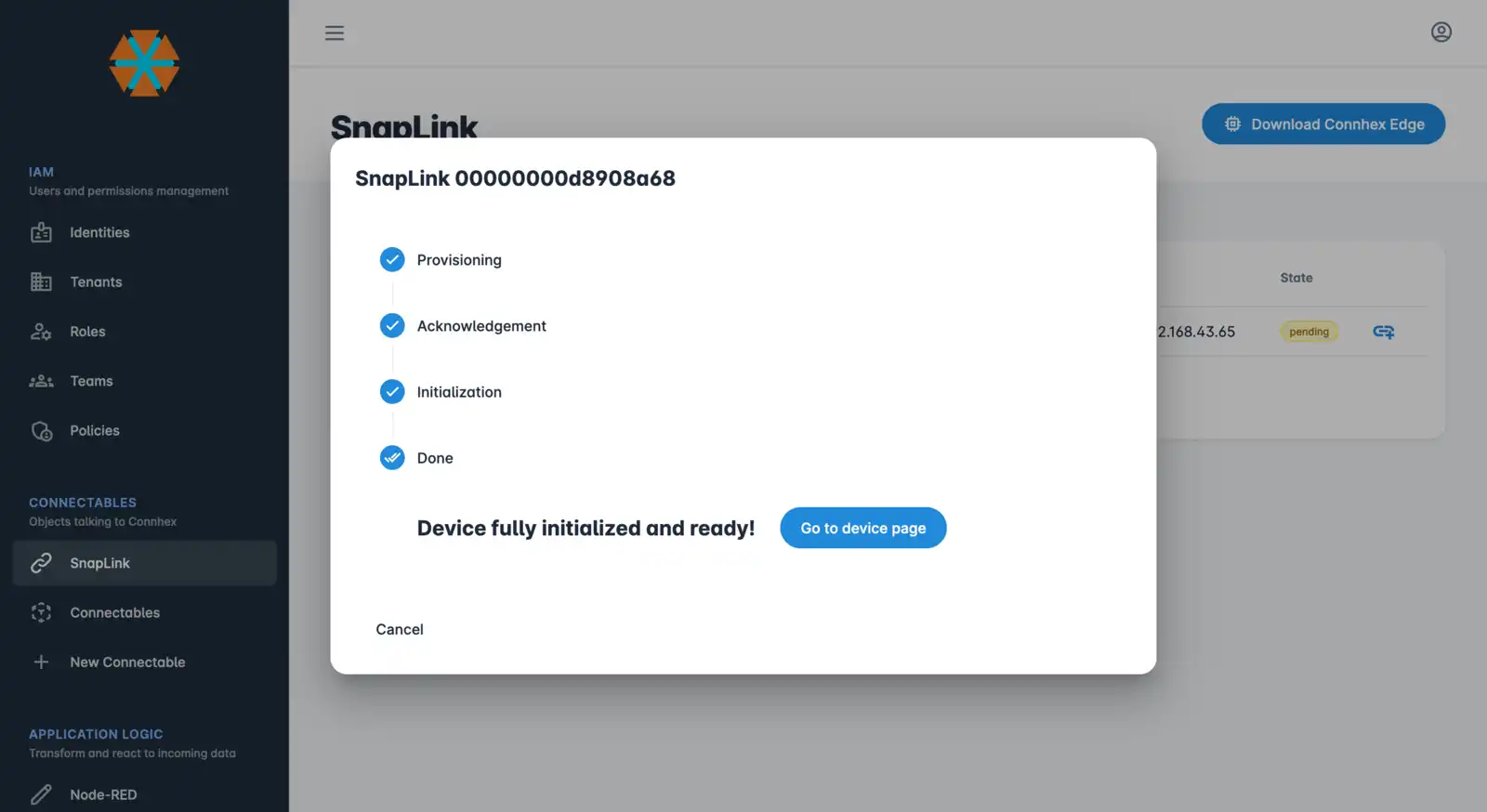
Through the SnapLink section in Connhex Control, you can approve connection requests and provision edges.
Under the hood
While connecting edges through SnapLink is simple, the process under the hood is quite elaborate to make sure every step is secure. Here's a brief overview:
- it is based on Connhex Provisioning
- the agent generates a migration key when it starts without credentials
- once you've approved the connection request, the key is exchanged
- configurations are then generated and automatically downloaded
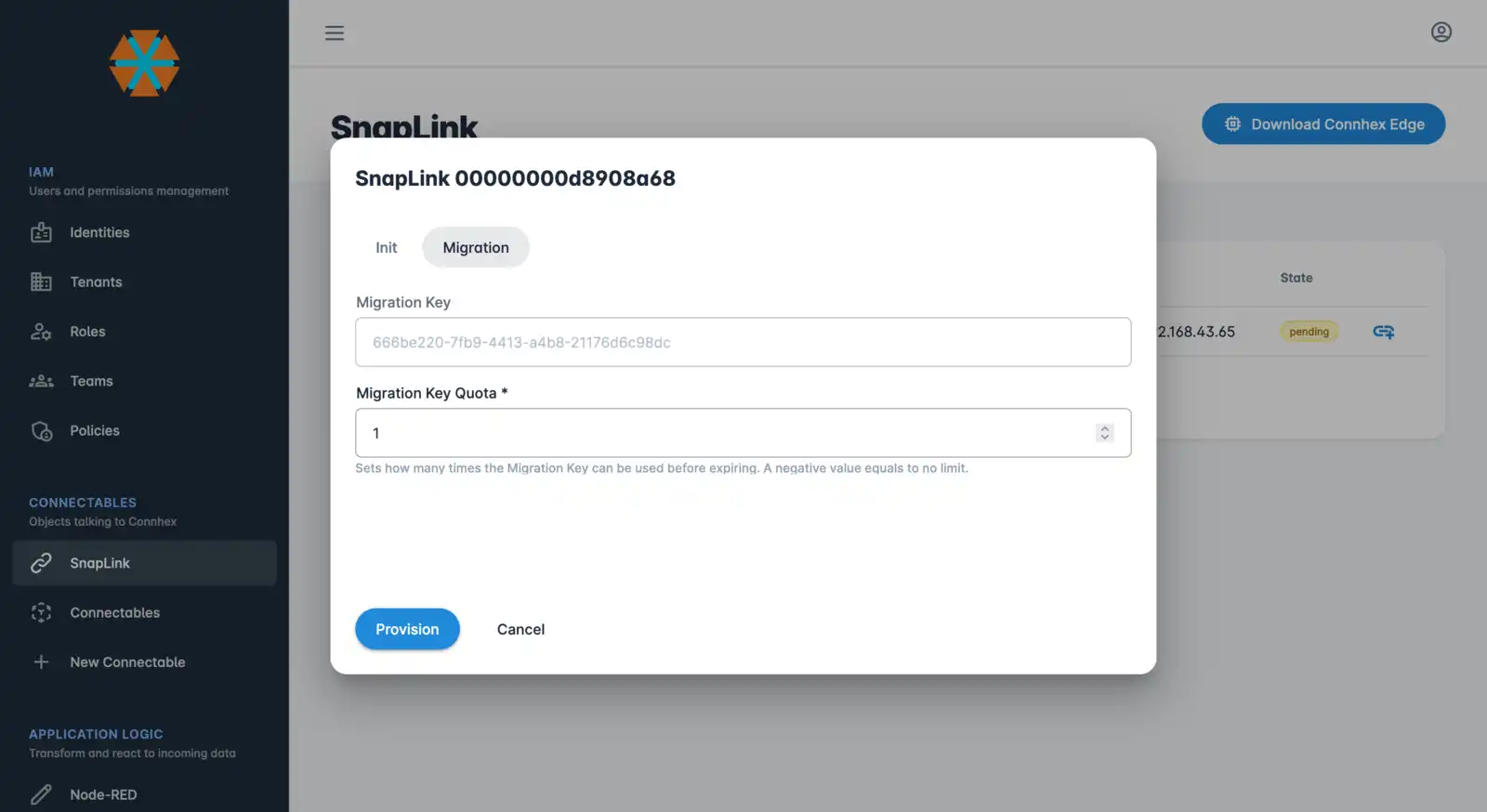
Pro tip: in the approval phase, you can also select how many times the migration key can be exchanged.
What's next
Once provisioned via SnapLink, the device is ready for end-user registration through the Device Ownership service.